
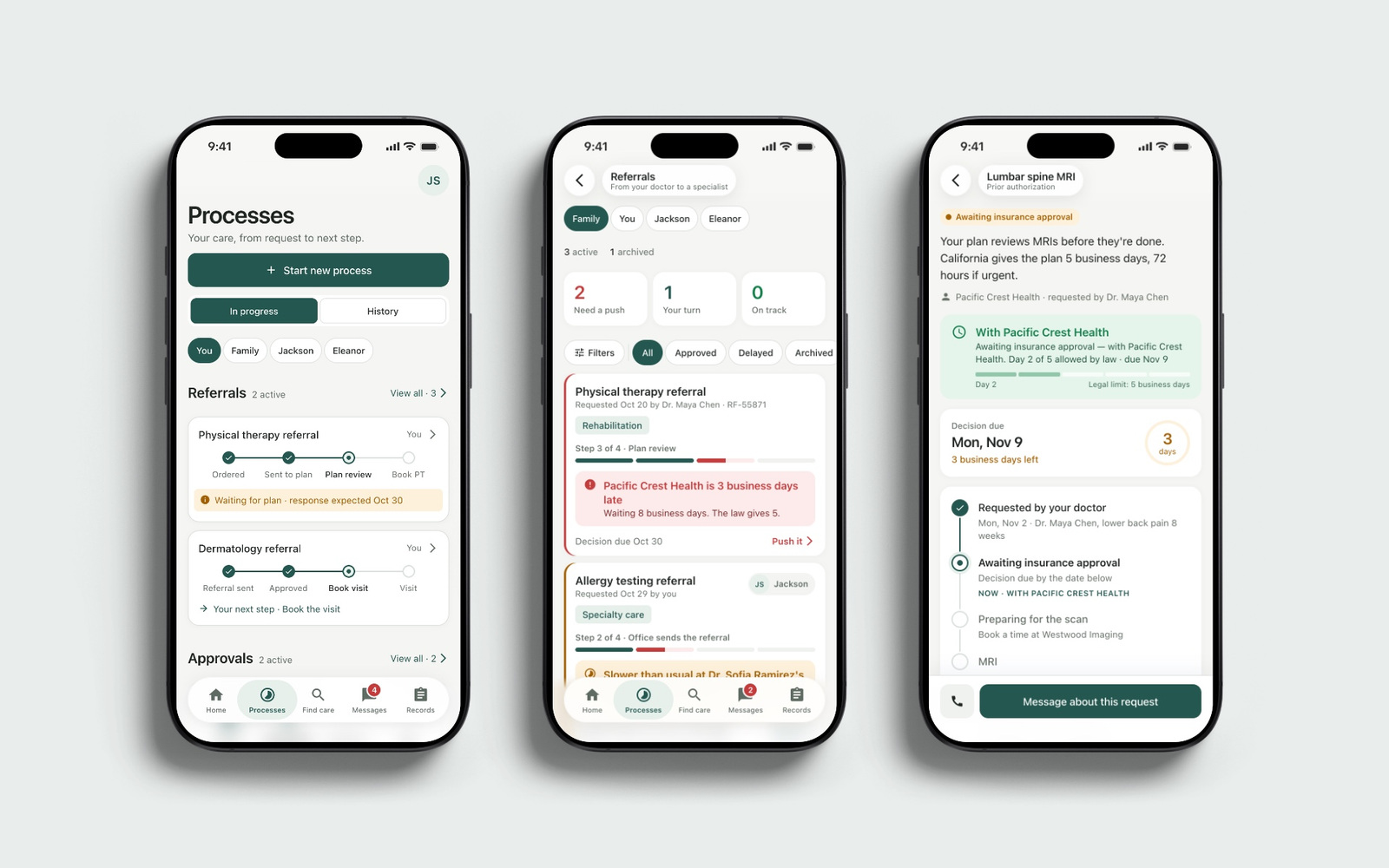
Healthcare App
Product UX
Dictation · macOS app
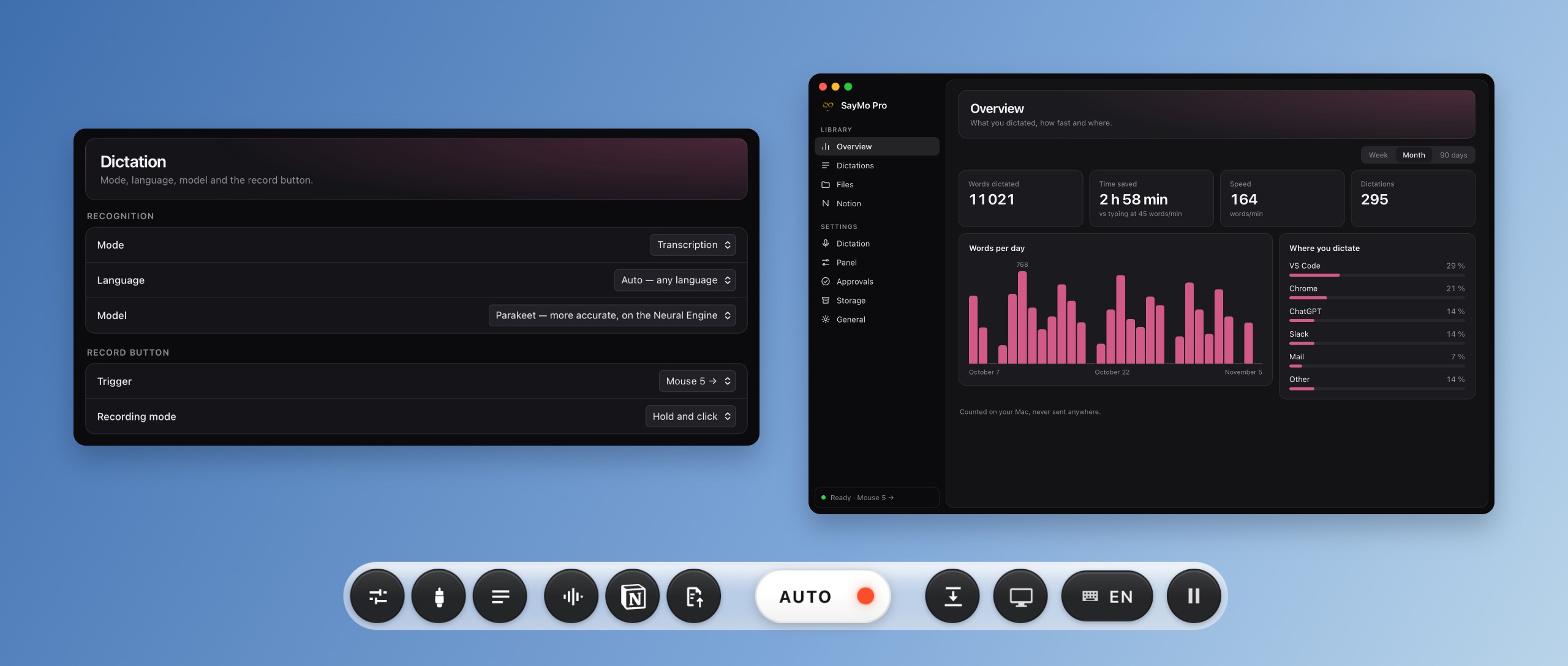
SayMo turns speech into text in the Mac app you are already using. Built in-house for our daily work, it also brings AI-agent permission requests to one place, so responding does not mean searching through open chats.
Dictating a task and answering an agent are small actions repeated across many windows. We wanted both to fit into the work already on screen, with a way to recover a dictation when recognition or insertion did not go as expected.
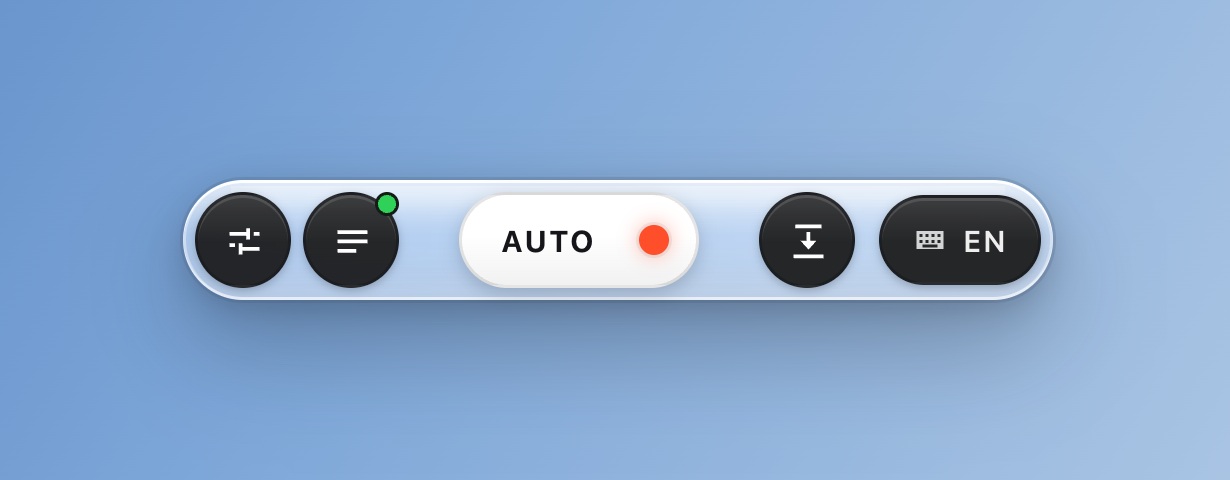
We designed a compact control at the screen’s edge and shortcuts that start recording without opening another window. Permission requests surface with enough context to answer the right chat.
We made recovery part of the normal workflow: recognized text is saved before insertion, and unfinished recordings remain available for another attempt. Speech recognition runs locally on the Mac.
We defined the capture, insertion and recovery workflows, designed the interface and built the native macOS app. Our daily use guides development. This case shows the current development version.
01 / Agent requests
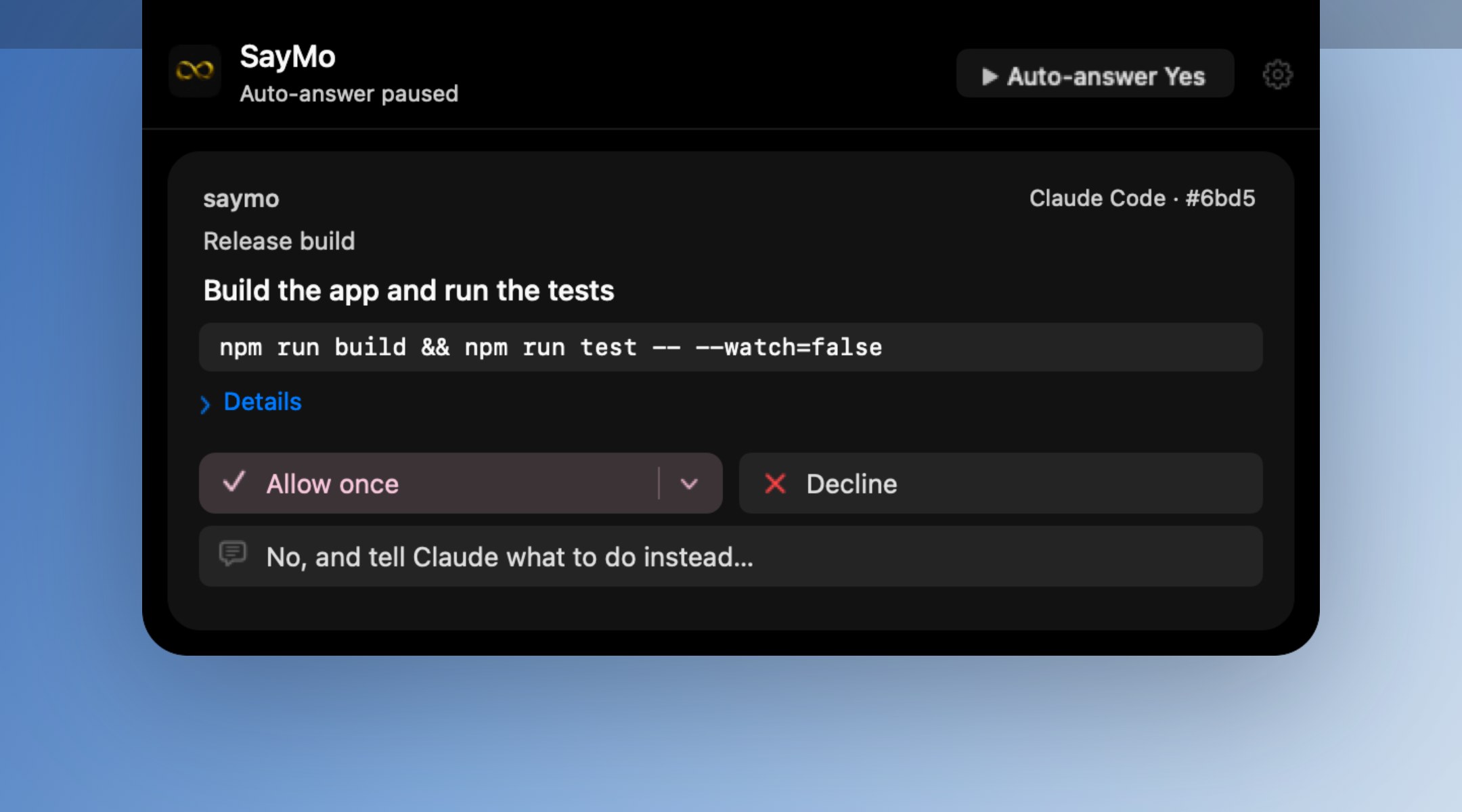
A permission request can stop work in one of many open chats. We bring the project, chat and exact command into a panel at the top of the screen, giving each request enough context to make a decision.
The person can allow the request, decline it or give a different instruction. The reply belongs to that request, so answering does not depend on which work window is in front.
02 / Dictation
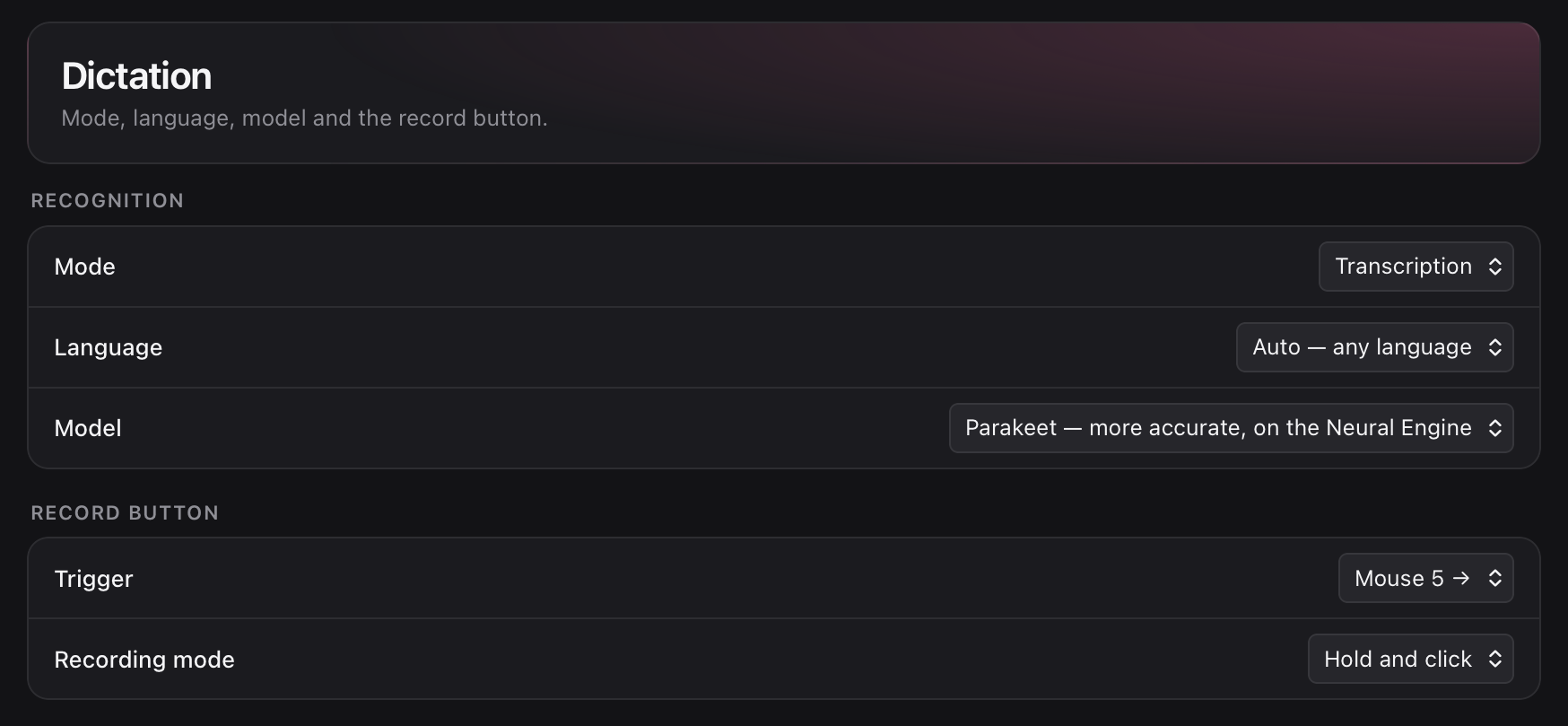
A keyboard shortcut or side mouse button starts recording while the current app keeps focus. SayMo transcribes on the Mac and inserts the result at the active cursor.
The recording control stays compact, and the trigger and recording mode can be chosen in one settings view. This keeps repeated dictation close to the way the person already works.
03 / Recovery
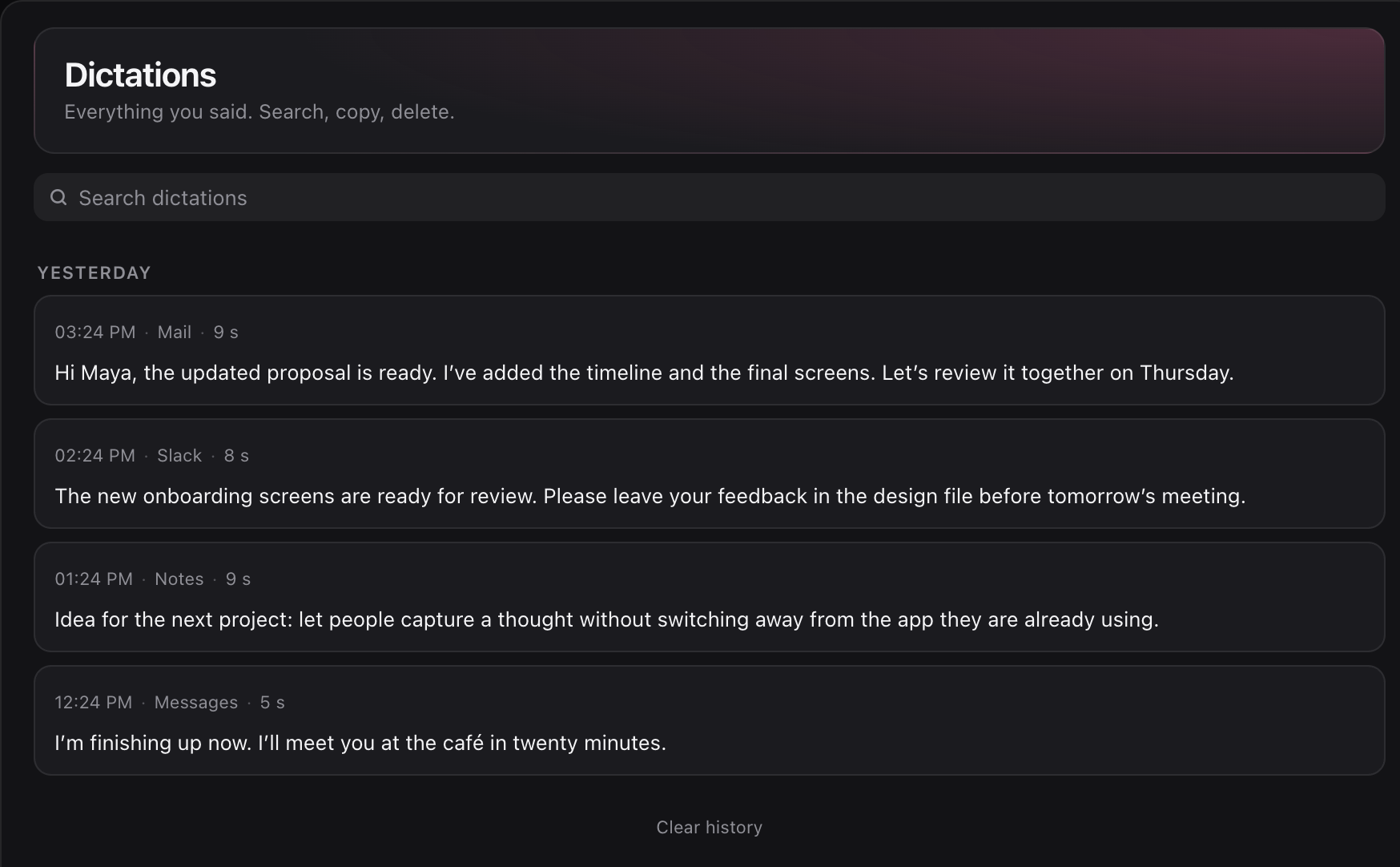
A failed insertion should leave a usable dictation. We save recognized text to history before inserting it, with the time and app to help locate it later.
If recognition fails, the recording is kept for another attempt. History provides a place to search and recover the text. The archive is encrypted on disk, with a history lock enabled by default.
The result
We designed and built SayMo around our own work across apps and AI chats. The app page lets you explore browser demonstrations of the controls and agent requests. Microphone input and settings in those demonstrations are simulated.
© 2026 SKARR.PRO
Categories
Choose your language